PepsiCo · CPG / Enterprise · Microsoft PowerApps
PepsiCo Forecasting & Tracking Apps
Three field-ready forecasting and tracking applications that eliminated VPN requirements, increased adoption across all devices, and put real-time order and task data in the hands of field teams.
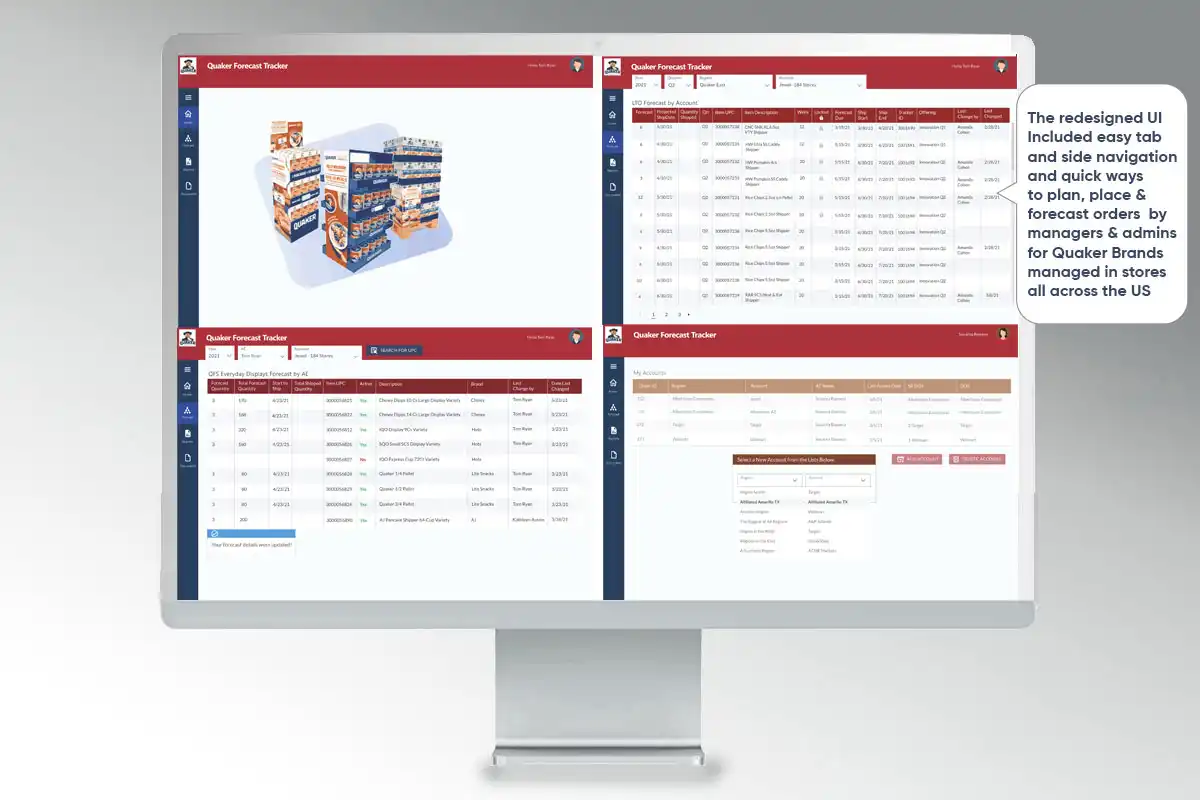
The Problem
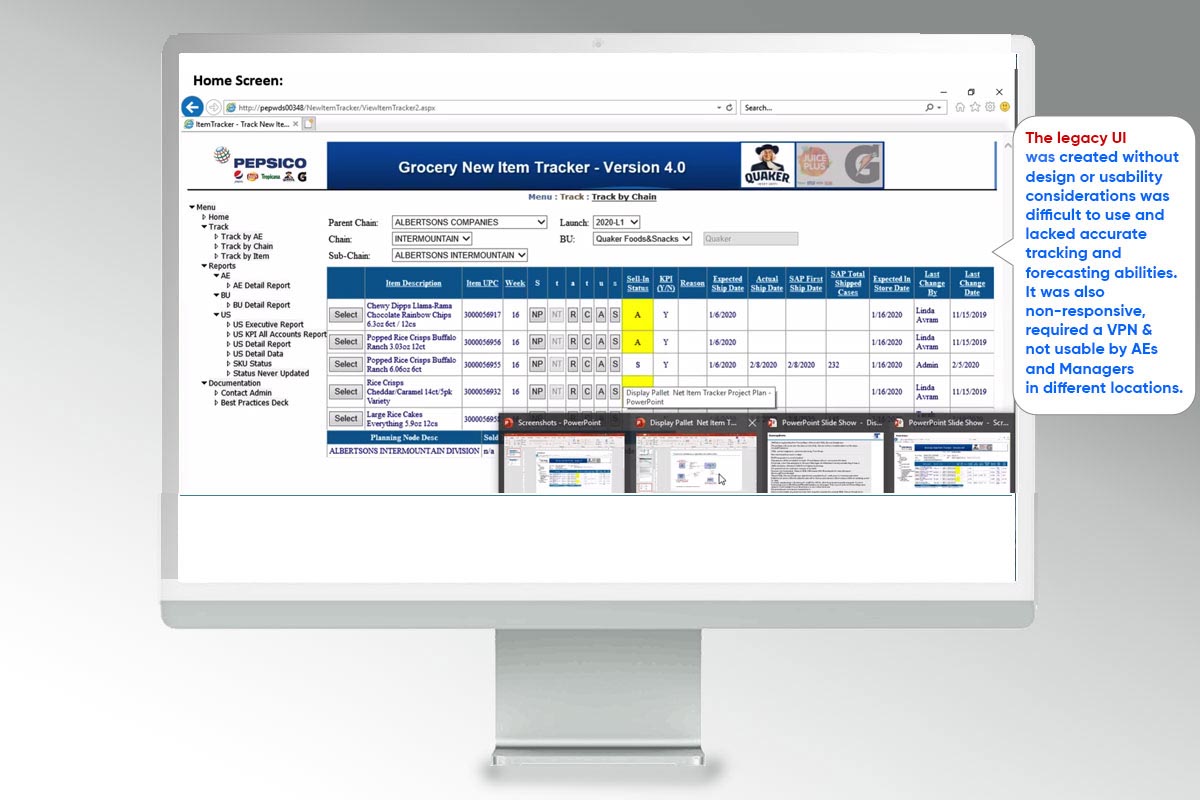
PepsiCo's field teams were working with tools that required VPN access — meaning that on the road, at customer sites, or anywhere without a secure connection, they couldn't access the data they needed. The existing applications were also designed for desktop, making them difficult to use on tablets and phones in the field.
The result: reduced usage, workarounds, and missed visibility into forecasts, orders, and task status across the field organization.
My Role & Approach
I designed three PowerApps-based applications for PepsiCo, covering forecasting, order tracking, and task management. Each app was designed from the ground up for multi-device use and optimized for field contexts — where users are often time-pressured, working with one hand, and need to find information without hunting for it.
Field-first design principle: Every screen was designed asking: "Can a field rep get what they need in under 10 seconds, on a phone, standing in a store?" If not, it needed to be rethought.
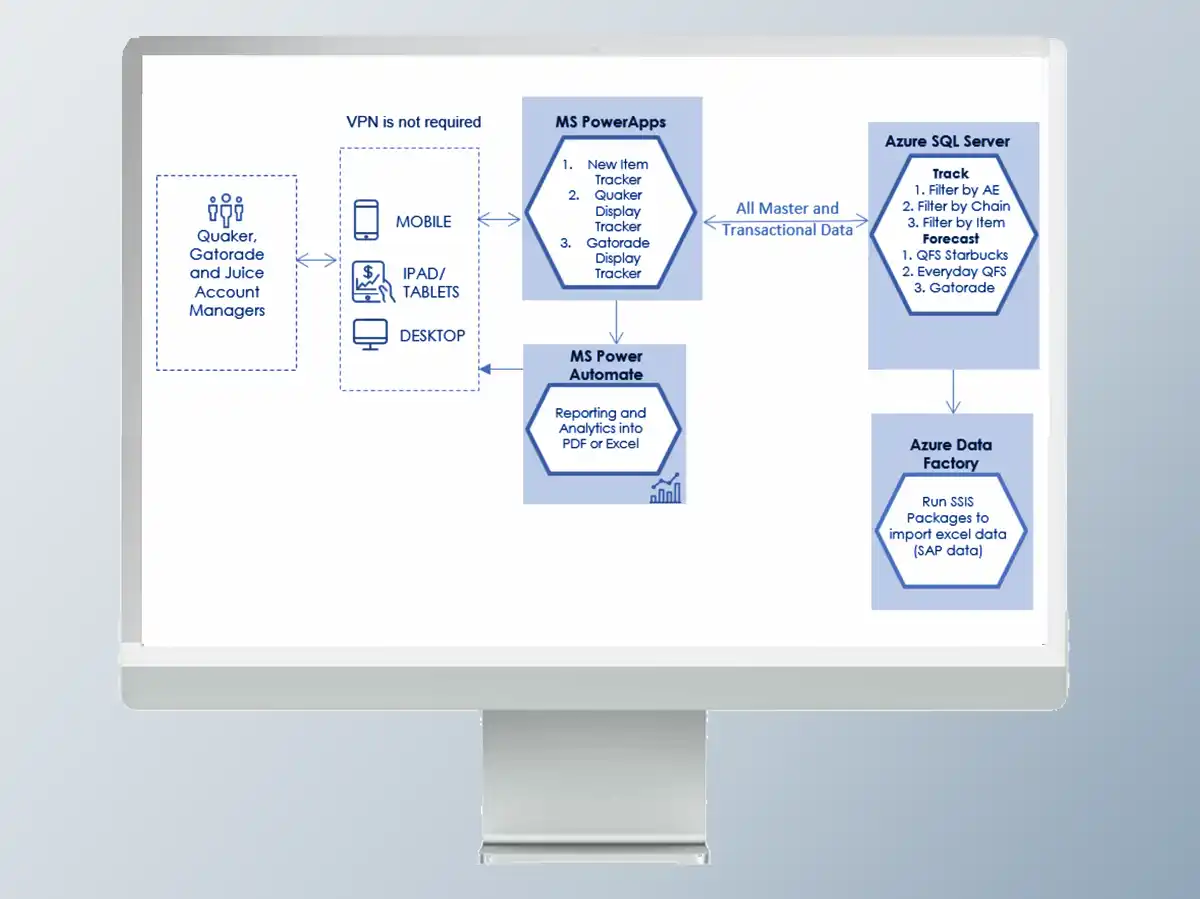
- I designed three distinct PowerApps applications within a shared design framework
- Eliminated VPN dependency by working within Microsoft's cloud-native PowerApps infrastructure
- Created responsive, touch-optimized layouts for phone, tablet, and desktop
- Designed data views for forecasting data, order status, and task queues that were scannable at a glance
- Reduced cognitive load through clear visual hierarchy and minimal navigation depth
- Validated designs with field users before development handoff
Design Highlights
No VPN, full access: By designing natively within PowerApps on the Microsoft platform, field reps gained access to live forecasting and order data on any device, anywhere — without IT intervention or VPN setup.
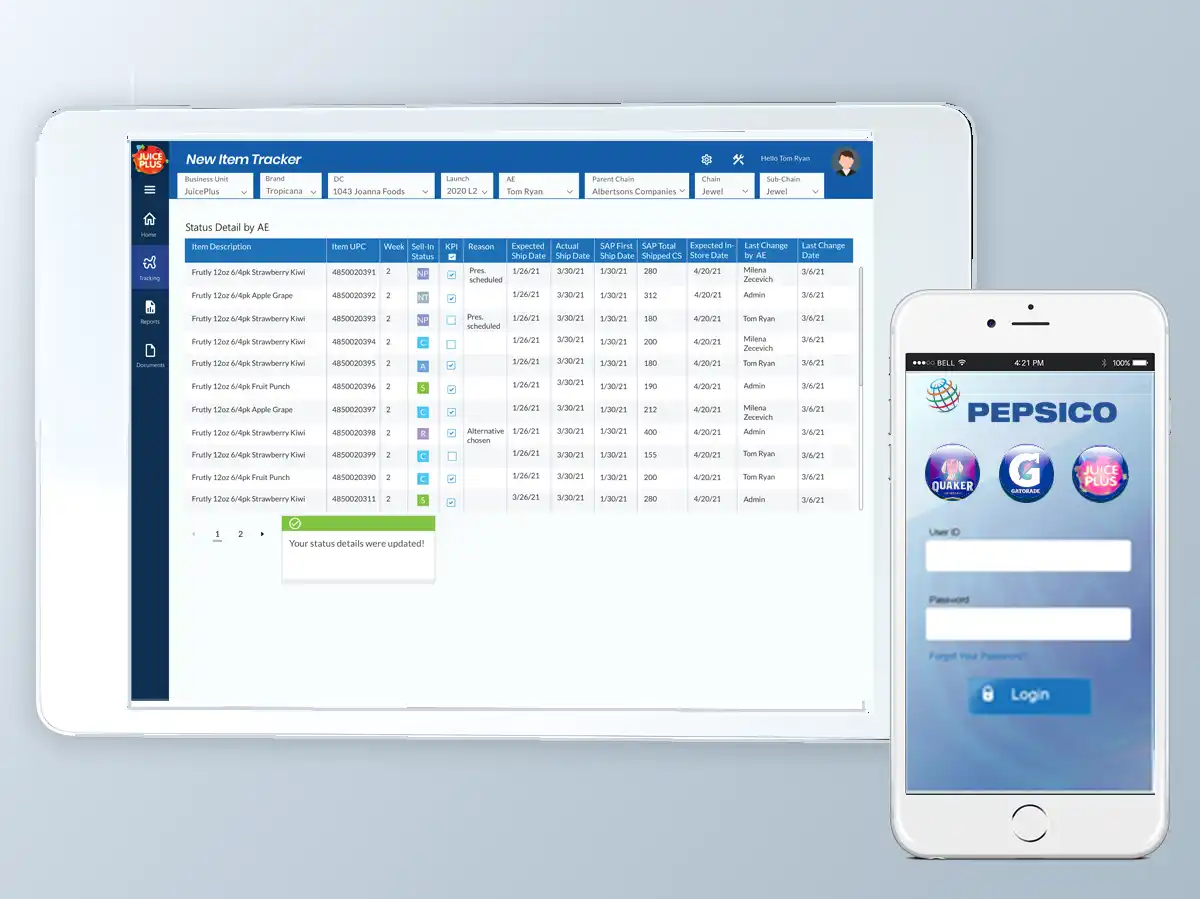
At-a-glance screens: Each application had quick tabs & was designed to answer the most common question immediately — "What's the status of my orders?" / "What tasks do I have today?" / "Am I on forecast?" — without requiring the user to drill into detail.
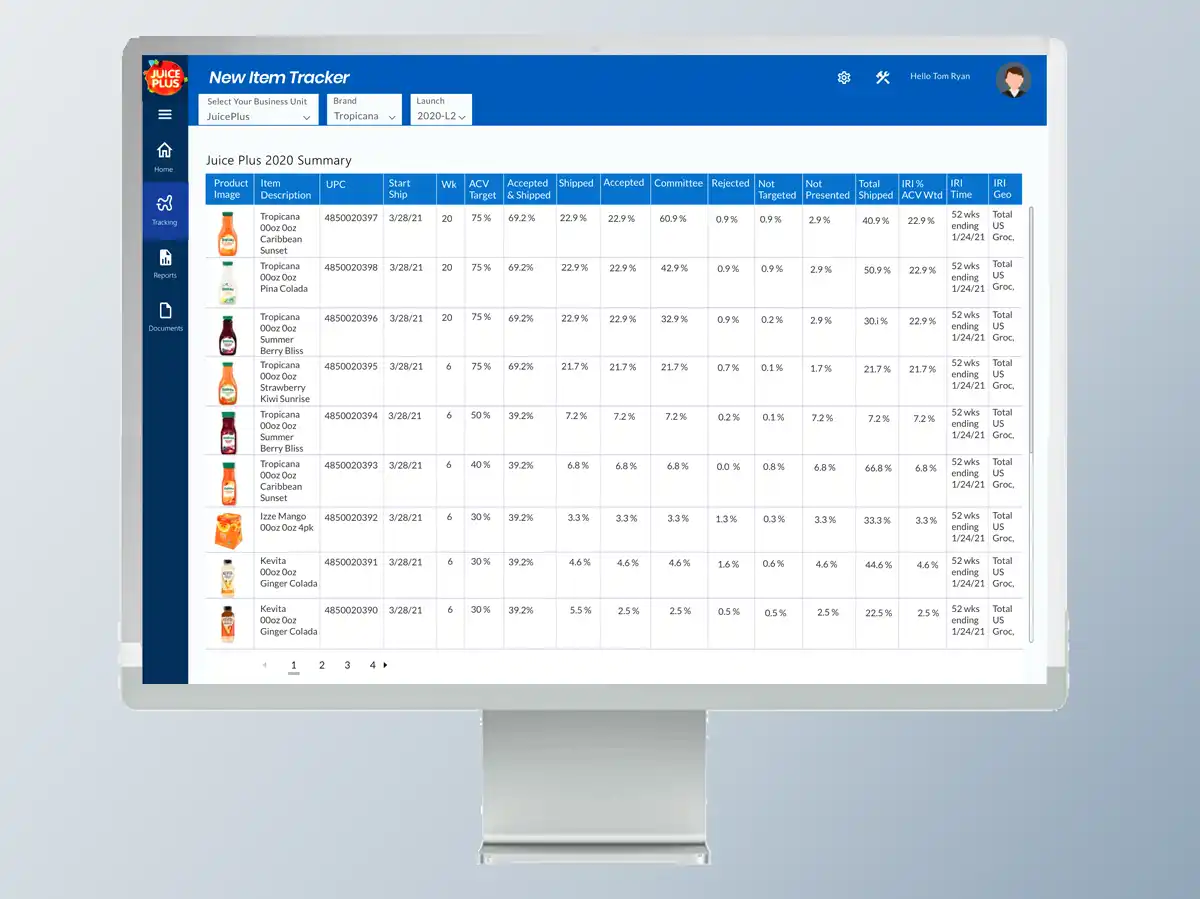
Cross-device consistency: A shared design language across the three apps meant that field reps who used one could intuitively navigate the others — reducing training time and increasing overall platform adoption.